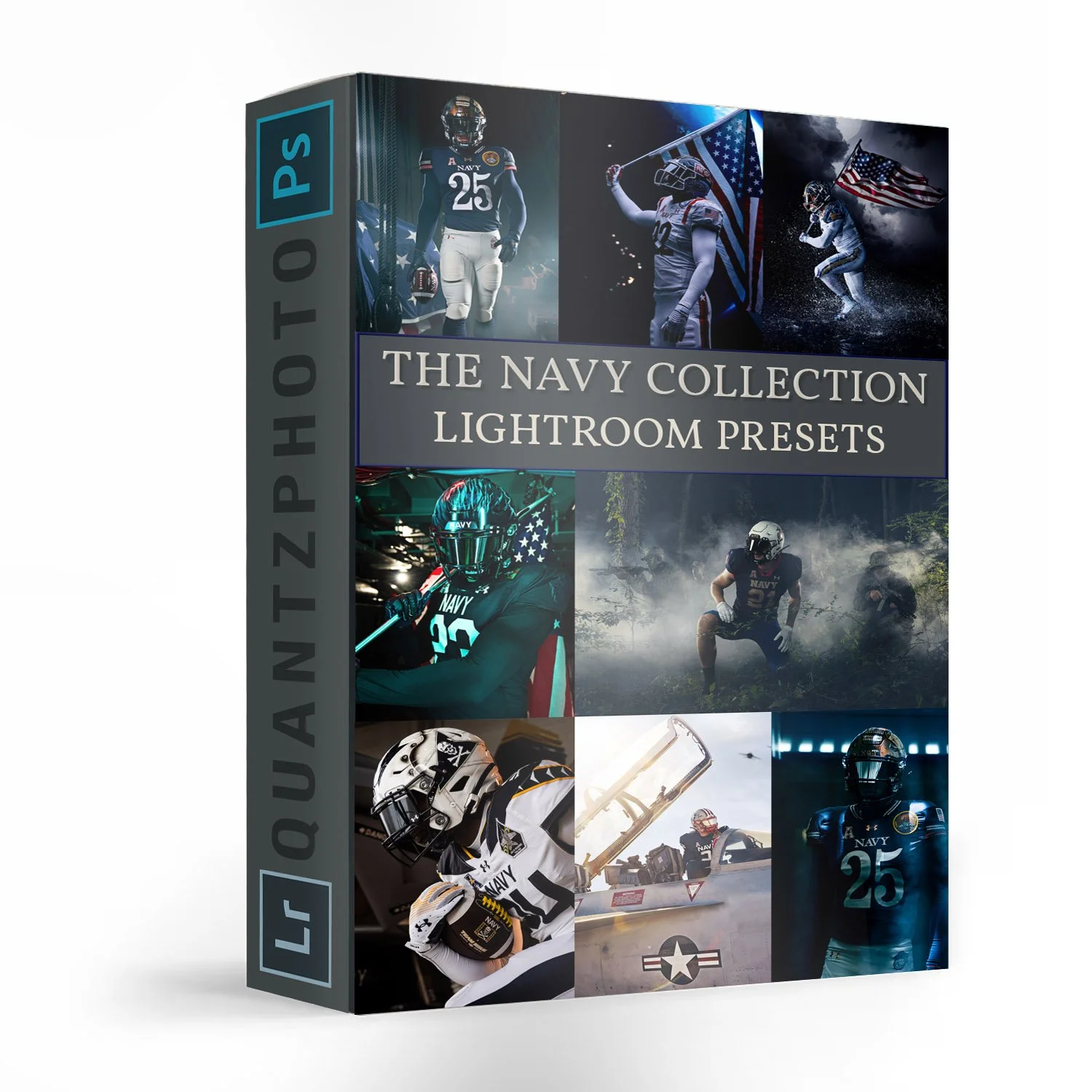
The Navy Collection Lightroom Presets

Sale Price: $99.99 Original Price: $129.99

SIX years and SEVEN separate photoshoots in the making, The Navy Collection presets for Lightroom are finally here.

20 solid presets specifically made to quickly transform and give you a starting point your images. Click, adjust, export, done. Enjoy!

Compatible with Lightroom CC, Lightroom Classic CC, Photoshop CC, & Adobe Camera Raw. Non refundable.

IMPORTANT: You will receive a secure link to the file lasting 24 HOURS after the first download!

Desktop Instructions

•Extract the ZIP file (to your desktop computer, not to your phone).
•Open Lightroom and go to the Presets section. Click on File > Import Profiles & Presets.
•Select the presets ZIP file(s) and click Import. → Selecting the ZIP file.
•Restart LR and your presets will now be listed in the Presets section.

SIX years and SEVEN separate photoshoots in the making, The Navy Collection presets for Lightroom are finally here.

20 solid presets specifically made to quickly transform and give you a starting point your images. Click, adjust, export, done. Enjoy!

Compatible with Lightroom CC, Lightroom Classic CC, Photoshop CC, & Adobe Camera Raw. Non refundable.

IMPORTANT: You will receive a secure link to the file lasting 24 HOURS after the first download!

Desktop Instructions

•Extract the ZIP file (to your desktop computer, not to your phone).
•Open Lightroom and go to the Presets section. Click on File > Import Profiles & Presets.
•Select the presets ZIP file(s) and click Import. → Selecting the ZIP file.
•Restart LR and your presets will now be listed in the Presets section.

Mobile Instructions

How do I get these to work on LR CC Mobile?

You’ll need to install the presets on your DESKTOP version of Lightroom CC FIRST, then they will auto-sync into your Lightroom CC Mobile App.

Checkout a few Examples Below: